
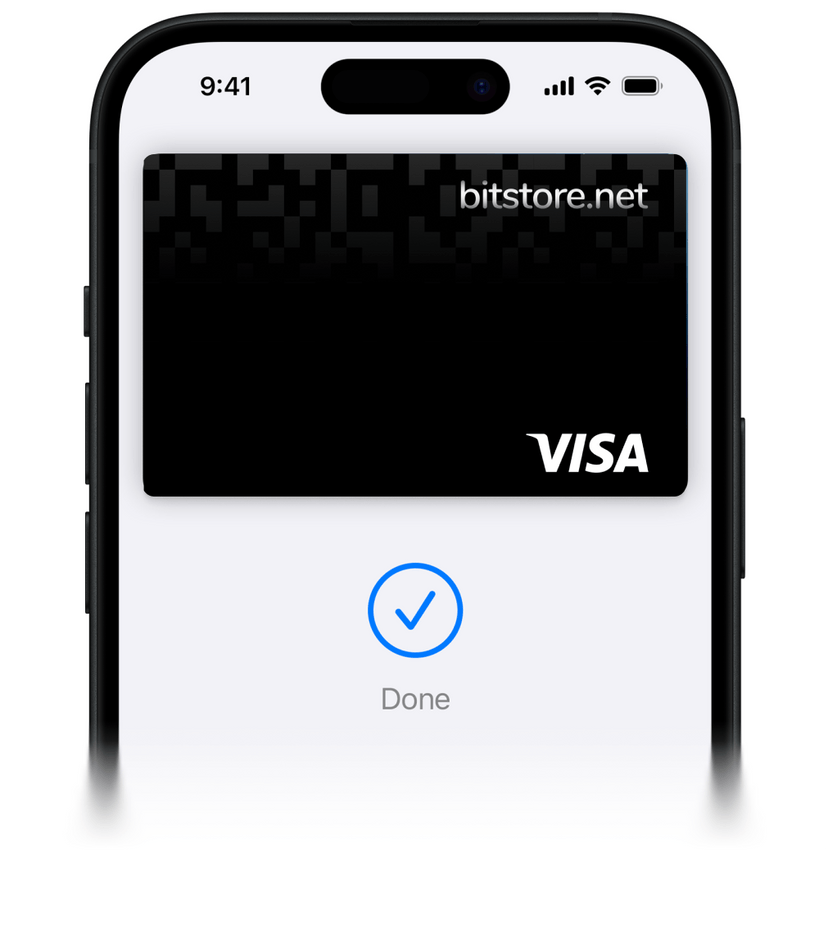
Your iPhone is now your Bitstore Card
Pay with crypto anywhere using Apple Pay and your Bitstore Card. Add Bitstore Card to Apple Pay and enjoy fast, secure, and contactless payments - in-store, online, and in apps.
- Pay without entering card details, as your crypto is automatically converted to euros at checkout.
- Apple Pay uses Face ID/Touch ID and tokenization, keeping your Bitstore Card data private.
- Enjoy seamless integration and connect Bitstore Card with your Apple devices.


Why use Apple Pay with Bitstore Card?
Fast & Convenient
Easily add Bitstore Card to your Apple Wallet and start shopping immediately.
Secure Payments
Your payments are protected with Face ID, Touch ID, and unique transaction codes.
Global Acceptance
Use Bitstore Card with Apple Pay at millions of stores, ATMs, apps, and websites worldwide.
How to start using Bitstore Card with Apple Pay
Here’s how you can start with Apple Pay using your Bitstore Card:
- 1Create and verify your account on Bitcoin Store.
- 2Order and activate your Bitstore Card.
- 3Add the card to Apple Wallet - one tap and you’re ready to go.
- 4Pay with crypto and use Apple Pay anywhere it’s accepted.


How to use?
Just hold your iPhone or Apple Watch near the terminal to pay with crypto.Where to use?
Use your Bitstore Card with Apple Pay anywhere Apple Pay is accepted, online or offline.
Frequently asked questions
Learn how the Bitcoin Store platform works
Is paying with Apple Pay secure?
Yes. Apple Pay replaces your card number with a device-specific token (so merchants don’t see your real card number) and requires Face ID/Touch ID or a passcode for each payment. The Secure Element and tokenization protect transactions.
How does crypto spending work when I pay with Apple Pay?
When you pay, Bitstore Card automatically converts the needed amount of your selected crypto into euros at the current rate and completes the transaction like a standard Visa debit payment.
Do I need the physical card for Apple Pay, or can I use a virtual card only?
You can use either: once your physical card is activated, or you generate a virtual card, you can add it to Apple Wallet and pay with your iPhone or Apple Watch.
I can’t add the card to Apple Wallet. What should I do?
First, make sure your device is updated and has Face ID/Touch ID or a passcode set. Then check that your card is supported and approved for Apple Pay. If it still won’t add, please contact our customer support directly.
My Apple Pay transaction was declined. How do I fix it?
Declines are decided by the card issuer. Check you have enough funds/limits in your Bitcoin Store Wallet, try another terminal, and confirm Apple Pay is enabled at the merchant. If issues persist, please contact us.