How to Add Bitstore Card to Apple Wallet (Step-by-Step Guide)
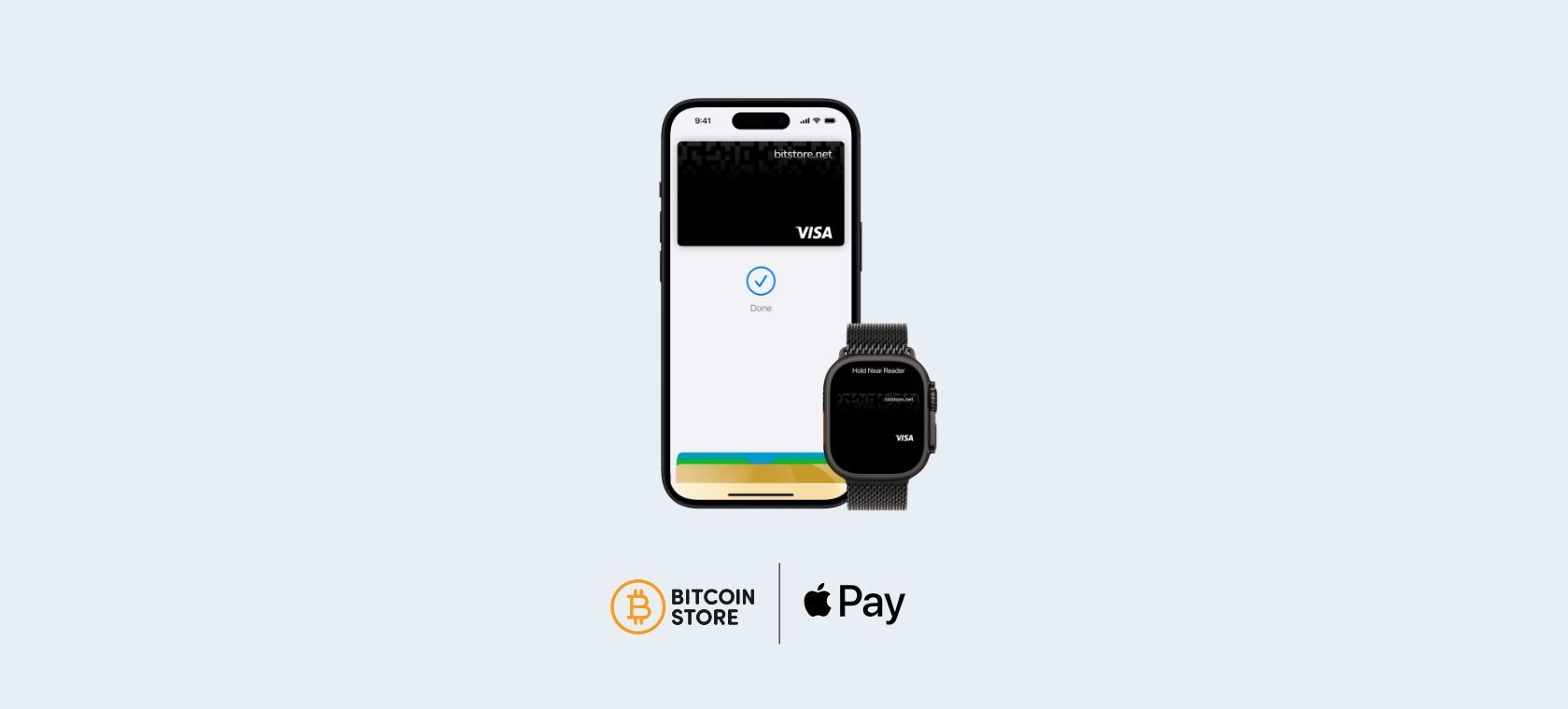
Add Bitstore Card to Apple Wallet in minutes and pay with iPhone or Apple Watch—fast and secure. This guide shows how to add the card, use Apple Pay in-store and online, and the key benefits.
Table of contents:
Paying with crypto has never been easier. With the Bitstore Card Visa debit card linked to your Bitcoin Store Wallet, you can use your cryptocurrencies for everyday purchases just like with any other card.
Bitstore Card automatically converts your digital assets into euros with every transaction—whether you’re paying online, in-store, or withdrawing cash from an ATM. Now using the card is even more convenient: you can add Bitstore Card to Apple Pay and pay with a tap of your iPhone or Apple Watch, without needing the physical card.
Below is a detailed step-by-step guide on how to add Bitstore Card to Apple Pay and start paying faster and more securely.
What Do You Need?
Before adding the card, make sure you have an active Bitstore Card.
If your card isn’t active yet, you can activate it in the Bitcoin Store app or on the platform in just a few clicks.
For more information and additional instructions, read our blog: Bitstore Card: Pay Quickly and Easily with Crypto from Your Wallet
If your card is active, you’re ready to add it—just follow the steps below.
1. Open the Wallet App on iPhone or Apple Watch
On your iPhone, open the Wallet app.
If you use an Apple Watch, you can do this via the Watch app on your iPhone.
2. Add a New Card
In Wallet, tap the “+” icon in the top-right corner and select Add Card.
Then choose Debit or Credit Card and continue.
3. Scan Your Physical Card or Enter the Details Manually
When you add a debit or credit card, you’ll see a frame to scan the card so it can be added to your Wallet.
If you don’t have your physical card nearby, you can always find your card details in the Bitcoin Store Wallet app and enter them manually.
Once you complete all the steps, your card will be ready to use.


4. Add the Card Directly from the Bitcoin Store Wallet App
You can also add the card to Apple Wallet directly from the app.
All you need to do is open your Bitcoin Store Wallet, tap Cards, and choose the option to add the card to Apple Wallet.
When you select the option to add the card to Wallet, you’ll need to enter your password.
This option is convenient if you want to do everything in one place.

5. Your Card Is Ready to Use
After you successfully add the card to Apple Wallet, you can start paying right away.
In-store, simply unlock your iPhone or Apple Watch and hold it near the contactless payment terminal.
For online purchases or in apps, choose Apple Pay as your payment method where available and confirm the transaction (Face ID, Touch ID, or your passcode).
It’s fast, simple, and there’s no need to look for your physical card.
Why Is Apple Pay a Secure Way to Pay?
Apple Pay is designed to increase payment security:
- every transaction is confirmed with Face ID, Touch ID, or your passcode
- the merchant doesn’t receive your real card details
- even if you lose your device, you can protect it by locking it and managing your account settings
In practice, this means less risk and more control over your payments.
What Are the Benefits of Adding Your Card to Apple Pay?
Adding Bitstore Card to Apple Pay is a quick step that can make a big difference in everyday life: easier payments, more security, and less need for a physical card.
If you use an iPhone or Apple Watch, Apple Pay is a practical way to always have Bitstore Card ready—whether you’re in a store, travelling, or shopping online.


